9 AI Courses to Build Your Skills
A practical learning list for students, developers, career switchers and working professionals. Start with AI literacy, move into generative AI and prompting, then progress toward Python-based AI and deeper technical foundations.
Important: “Free” does not always mean the certificate is free. Some providers offer the learning content free, free-to-audit, or free during a promotion while charging for a verified certificate, subscription, labs, or assessment. Check the provider page before enrolling.
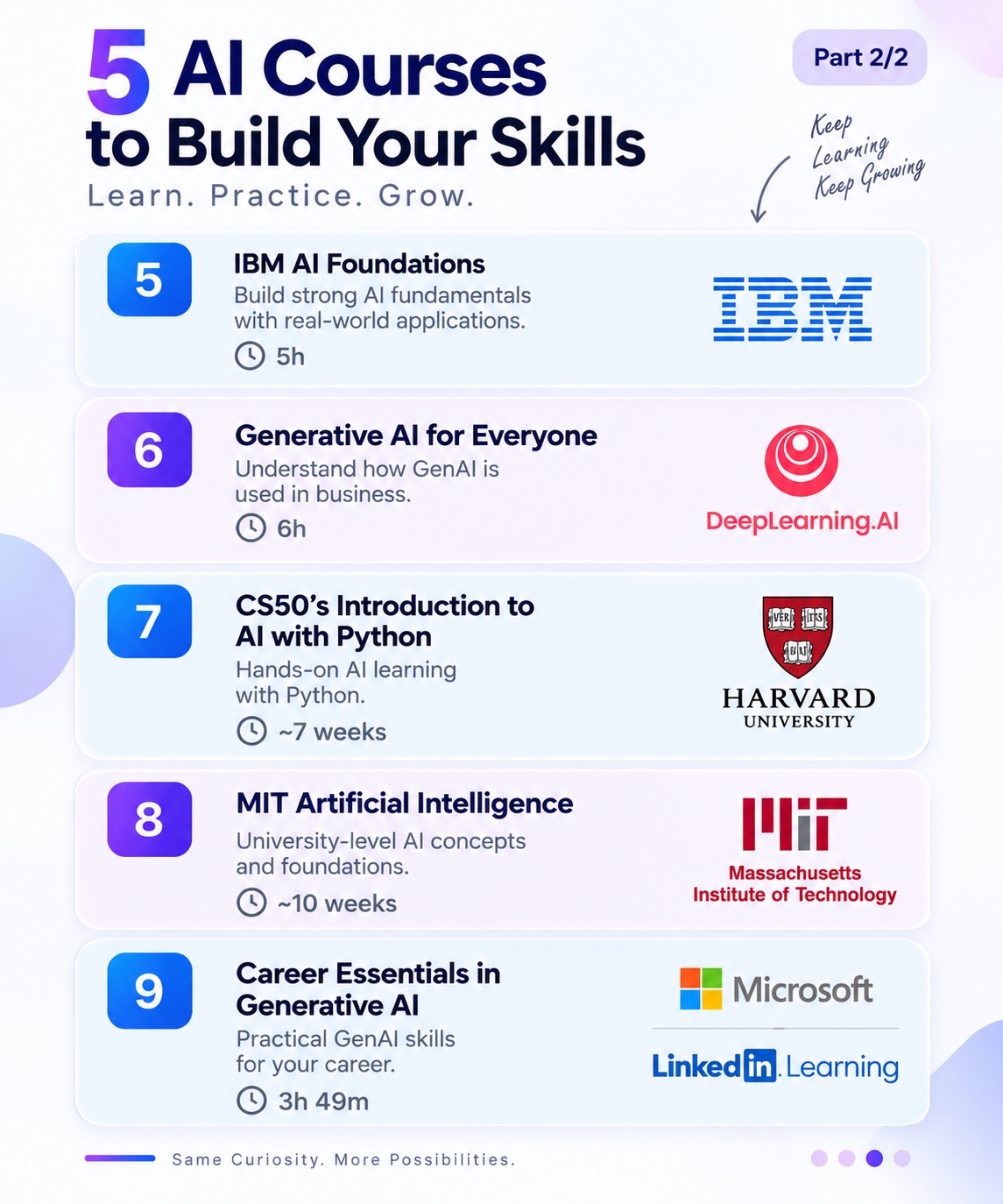
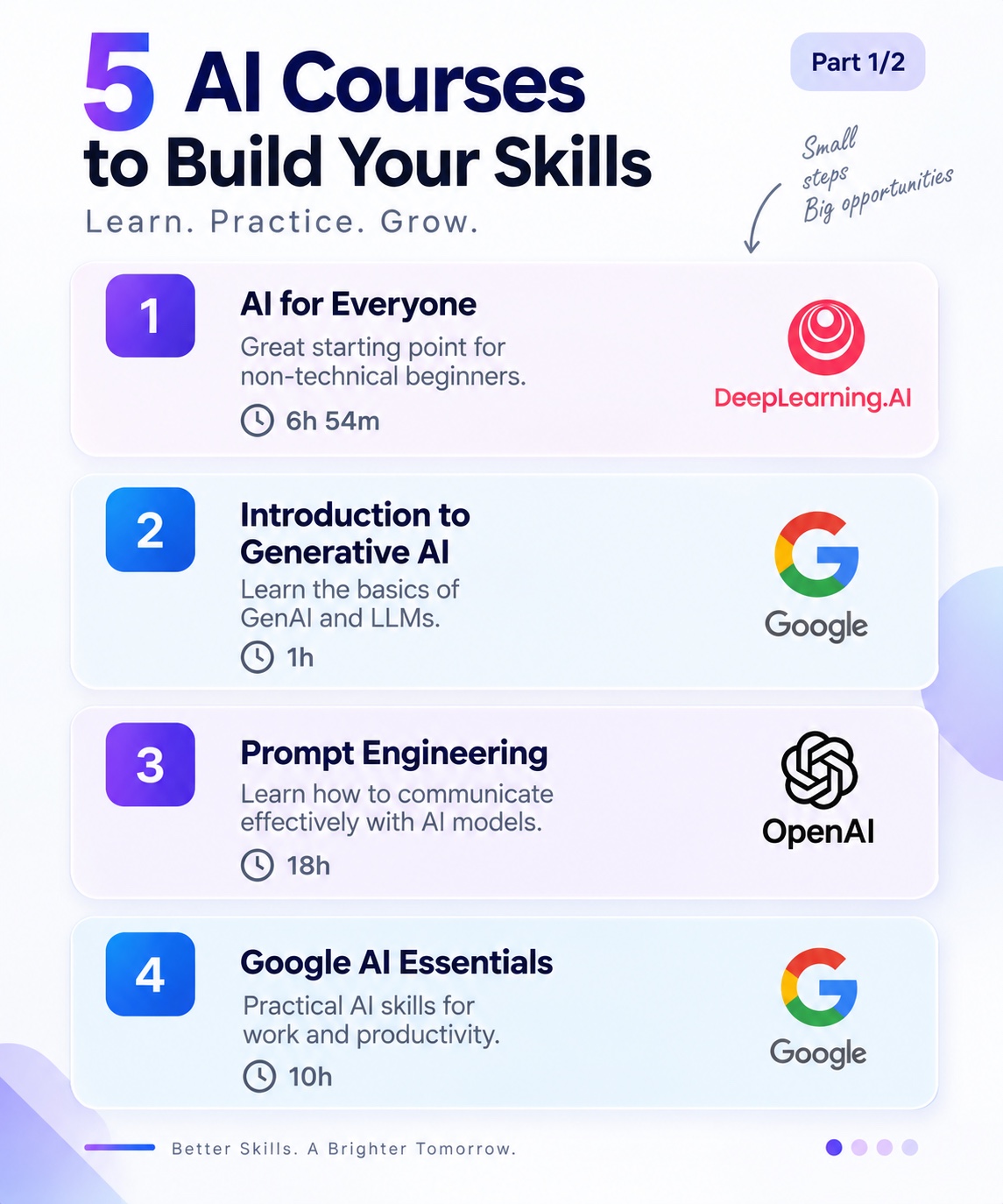
The course list above is the visual reference for this resource. Course availability, duration and certificate policies can change, so the detailed guide below links to provider pages for the current information.
Quick comparison
| # | Course | Best for | Level | Time |
|---|---|---|---|---|
| 1 | AI for Everyone | AI literacy | Beginner | 6h54m |
| 2 | Introduction to Generative AI | GenAI basics | Beginner | 45m |
| 3 | Prompt Engineering for Developers | LLM app development | Beginner | 1h30m |
| 4 | Google AI Essentials | Workplace AI | Beginner | Under 10h |
| 5 | IBM AI Foundations | AI fundamentals | Beginner | ~14–15h |
| 6 | Generative AI for Everyone | GenAI concepts & use cases | Beginner | ~5h |
| 7 | CS50’s Introduction to AI with Python | Technical AI foundations | Intermediate | 7 weeks |
| 8 | MIT Artificial Intelligence / OCW | University-level AI | Intermediate → Advanced | Self-paced |
| 9 | Career Essentials in Generative AI | Career-focused GenAI skills | Beginner | ~4h |
AI for Everyone
A non-technical introduction to AI from Andrew Ng. The current provider page lists 6h54m, 35 video lessons and coverage of AI terminology, machine-learning and data-science project workflows, AI strategy and the social impact of AI. No technical background is required.
What to learn
AI terminology, ML vs. traditional software, project lifecycle, data science workflows, AI strategy and responsible adoption.
Best for
Students, managers, analysts, career switchers and developers who want the vocabulary and mental model before going technical.
Introduction to Generative AI
A short Google Skills micro-course that introduces what generative AI is, how it differs from traditional machine learning, major model types, applications and Google tools for building GenAI applications. The official course is about 45 minutes and is offered as a no-cost learning option.
Learn these concepts
Generative AI, LLMs, model types, common applications and where GenAI fits into the broader AI landscape.
Next step
Continue into Google’s beginner GenAI learning path and then add hands-on prompting or LLM application development.
ChatGPT Prompt Engineering for Developers
A hands-on short course taught by Isa Fulford of OpenAI and Andrew Ng. The official course page lists 1h30m, nine lessons and seven code examples covering prompting best practices, summarization, inference, transformation, expansion and a custom chatbot.
Prerequisite
Basic Python is useful. You should be comfortable reading simple functions, variables and API examples.
Build after it
Create a structured-output extractor, document summarizer, classifier or small chatbot and commit the prompts plus evaluation examples to GitHub.
Google AI Essentials
A practical workplace-AI program covering AI fundamentals, productivity with AI tools, prompt engineering, responsible AI and staying current. Google’s India page says it is self-paced, requires zero experience, has five modules and can be completed in under 10 hours for many learners.
Five areas
Introduction to AI · productivity · prompt engineering · responsible AI · staying ahead of the AI curve.
Best use
Use it to improve everyday workflows and build a practical prompt portfolio before moving into developer-focused GenAI courses.
IBM AI Foundations
IBM SkillsBuild’s AI Foundations credential introduces AI concepts, applications, machine learning, natural language processing, AI ethics and design thinking. IBM’s credential information lists the learning as free and requires completion of the course, an AI Design Challenge and an end-of-course assessment with an 80% or higher score for the badge.
Preparation
Review AI history, machine learning, NLP, applications, ethics and the design-thinking workflow. Make a one-page glossary before the final assessment.
Credential
The IBM/ISTE AI Foundations badge is a digital learning credential; verify current eligibility for your learner category before enrolling.
Generative AI for Everyone
Andrew Ng’s GenAI-focused course explains how generative AI works, practical use cases, AI tools, prompting, business applications and limitations. The current provider page lists about 5 hours, 32 video lessons and two code examples, with no coding or prior AI knowledge required.
Core outcomes
Understand GenAI, common tools, prompting, beyond-prompting techniques, business impact and responsible adoption.
Who should take it
Anyone starting GenAI: students, analysts, product teams, managers and developers who want context before deeper engineering.
CS50’s Introduction to Artificial Intelligence with Python
A much more technical step. Harvard lists this course as free to audit, seven weeks long and focused on machine learning and AI in Python. Topics include graph search, machine learning, neural networks, reinforcement learning, NLP and intelligent-system design, with hands-on projects.
Prerequisites
Basic Python is strongly recommended. Be prepared to spend real time coding and debugging rather than only watching lectures.
Portfolio move
Publish selected project implementations with tests, explanations and your own extensions. Do not simply upload copied course solutions.
MIT Artificial Intelligence — OpenCourseWare
For learners who want university-level depth, MIT OpenCourseWare provides complete AI course materials. MIT’s 6.034 Artificial Intelligence course covers search, constraints, machine learning, neural networks, probabilistic inference, knowledge representation and language, with lecture videos, problem-solving material and programming assignments.
How to use it
Follow lectures in order, solve the problem sets before reading solutions, and keep a technical notebook for algorithms and trade-offs.
Alternative
MIT also publishes newer deep-learning and foundation-model material if your goal is modern neural networks and GenAI rather than classical AI.
Career Essentials in Generative AI
A career-oriented introduction to generative AI and workplace use. It is a good complement to technical courses because it helps you explain GenAI concepts, use cases, limitations, responsible AI and productivity applications in business language.
Best for
Students and professionals who want a recognizable workplace-oriented learning path before specializing in AI engineering or data science.
Pair it with
Follow with CS50 AI, a RAG project, prompt-engineering practice or a model/API course so the credential is backed by technical evidence.
Which order should you follow?
Stage 1
AI literacy
AI for Everyone → Introduction to Generative AI.
Stage 2
Practical GenAI
Google AI Essentials → Generative AI for Everyone → Career Essentials.
Stage 3
Build
Prompt Engineering for Developers → build a small LLM application.
Stage 4
Technical depth
CS50 AI → MIT OCW → specialized RAG, agents, evaluation or ML engineering.
30-day AI learning plan
Days 1–7 · Foundations
- Complete AI for Everyone or Introduction to GenAI.
- Create a glossary of 30 AI/ML/LLM terms.
- Learn the difference between models, applications and agents.
- Write 10 prompts and compare the results.
Days 8–14 · GenAI practice
- Finish Google AI Essentials or Generative AI for Everyone.
- Practice prompting with clear context, constraints and output schemas.
- Learn hallucination, privacy, bias and verification.
- Start a small AI workflow you can show on GitHub.
Days 15–21 · Coding
- Take Prompt Engineering for Developers.
- Build a summarizer, classifier, extractor or chatbot.
- Log prompts, outputs and failure cases.
- Add a README and architecture diagram.
Days 22–30 · Technical depth
- Begin CS50 AI or MIT OCW if you want deeper fundamentals.
- Implement one algorithm or model concept yourself.
- Document what you learned and what failed.
- Publish the project and link the course beside the evidence.
How to get more value from free courses
1. Don’t collect certificates
Choose courses based on your target role. One completed course plus a strong project is more useful than ten abandoned certificates.
2. Learn by building
After every course, create one small artifact: notebook, prompt library, API app, RAG demo, evaluation report or architecture diagram.
3. Use active recall
Close the lesson and explain the concept from memory. Then test yourself with a small implementation or scenario.
4. Document your learning
Keep a learning log with definitions, mistakes, code snippets, project links and questions. This becomes interview preparation later.
5. Verify the current course page
Course durations, pricing, certificates and access rules change. Always confirm the provider’s current page before planning around a specific credential.
6. Turn learning into proof
Put your best project on GitHub, add screenshots and metrics, then reference the course in the project README and resume.
More free official AI learning resources
Best strategy for an AI career
If you are starting from zero, begin with AI for Everyone or Introduction to Generative AI. Then learn practical GenAI with Google AI Essentials or Generative AI for Everyone. If you want to become an AI engineer, move into Prompt Engineering for Developers, then take CS50 AI or MIT material and build real projects in RAG, agents, evaluation, model APIs or AI automation.